

Key Takeaways
- Schema Integration is Mandatory: Valid FAQPage JSON-LD schema increases the likelihood of appearing in Google’s People Also Ask (PAA) and AI-generated overviews by roughly 40% compared to flat text.
- Threshold for Snippets: Questions should be formatted as H3 tags with answers between 45 and 60 words to fit the optimal display window for mobile search results in 2026.
- Conversion via Internal Links: Every third FAQ answer should contain a contextual link to a product or category page to lower bounce rates and guide the customer journey.
- Freshness Signal: Updating FAQ content at least once every 90 days signals to search crawlers that the information regarding shipping policies, returns, and product specs is current.
For a Shopify merchant in 2026, the FAQ page is no longer a junk drawer for basic policies. It has evolved into a sophisticated landing page designed to capture long-tail search queries and appease AI-driven answer engines. By aligning technical schema with high-intent natural language phrasing, you turn a passive support page into an active acquisition channel.
The Architecture of Search-Ready FAQs
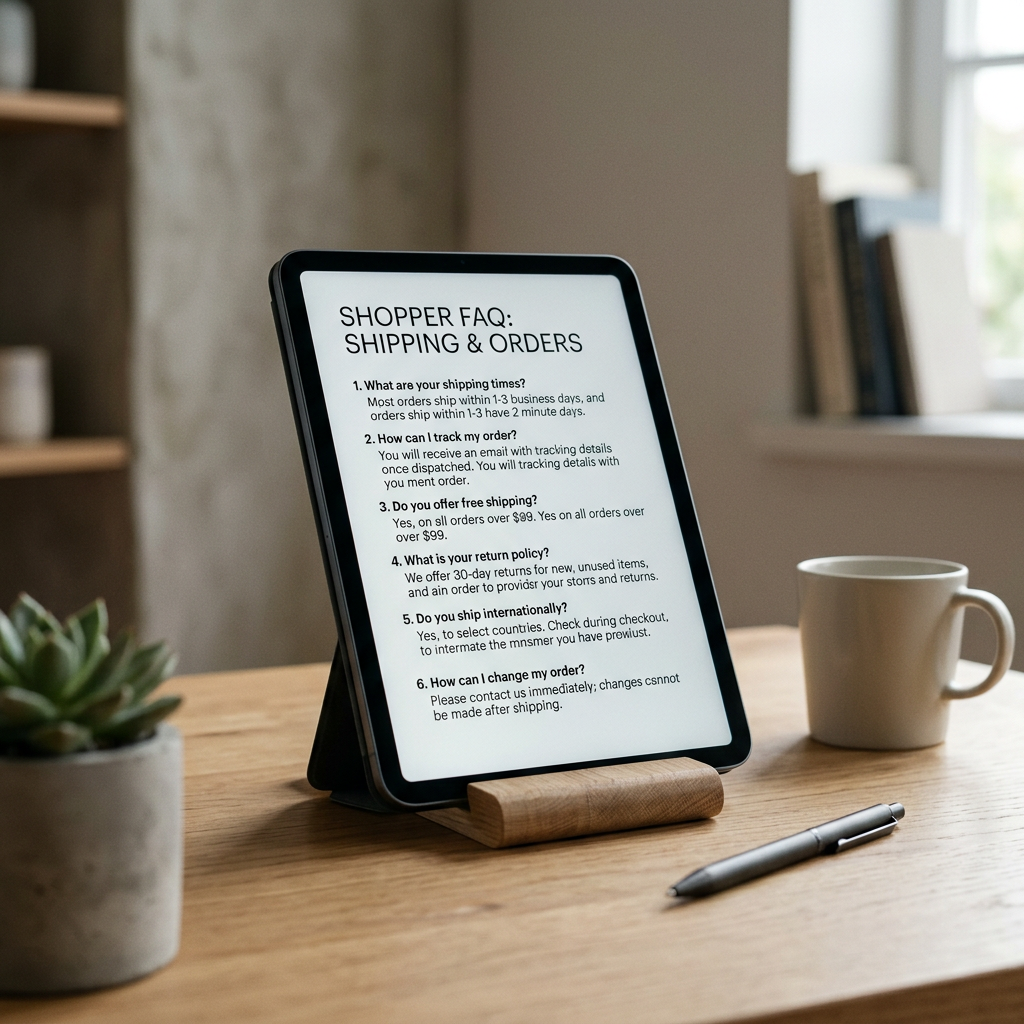
In the era of Online Store 2.0, the best way to handle shopify faq page seo is through dedicated theme blocks or JSON templates. Traditionally, merchants dumped all text into a single page description field; today, modern SEO requires modularity. Each question-and-answer pair should exist as a distinct entity in your code, allowing search engines to parse each topic individually.
Technical Specs for FAQ Blocks
To ensure your FAQ content is readable by both humans and bots, adhere to these technical constraints within your Shopify theme editor:
| Specification | Recommended Value | Reasoning |
|---|---|---|
| Question Heading Tag | H3 or H4 | Maintains hierarchical DOM structure for accessibility |
| Answer Word Count | 40–80 words | Optimal length for featured snippet extraction |
| Schema Format | JSON-LD | Preferred over Microdata for faster page rendering speeds |
| Image Resolution | 1200 x 675px | Used if your FAQ includes instructional visual cards |
| Load Speed Impact | < 100ms | Keep scripts lean to maintain Core Web Vitals rankings |
Mapping the Customer Intent
Effective SEO starts with understanding what visitors type when they aren't on your site yet. Use the Free Shopify Blog Topic Generator to identify the specific pain points and curiosity gaps in your niche. Use these insights to frame your H3 headings. Instead of "Shipping Policy," use "How long does international shipping take to reach London?" The latter matches the natural language processing patterns of 2026 search queries.
Implementing FAQ Schema in Shopify
Schema markup is the silent engine of search visibility. It translates your text into a standardized format that Google uses to build rich snippets. While some Shopify themes include basic schema, most require manual enhancement via the theme.liquid file or a dedicated snippet.
Liquid Templates and JSON-LD
For merchants comfortable with code, injecting a dynamic FAQPage schema block ensures that every time you update a question in your Shopify admin, the search engine sees the change immediately. You can pull this data from metafields or custom liquid blocks. If you are uncertain about how the search result will appear after implementation, using the Free Shopify Meta Title & Description Generator can help you visualize the character limits for your page's primary search appearance.
Pro-Tip: Use "How-To" schema specifically for pages that explain product maintenance or assembly. This is distinct from FAQ schema and allows for step-by-step images to appear directly in the search results, increasing your organic click-through rate.
Mobile-First Visibility Standards
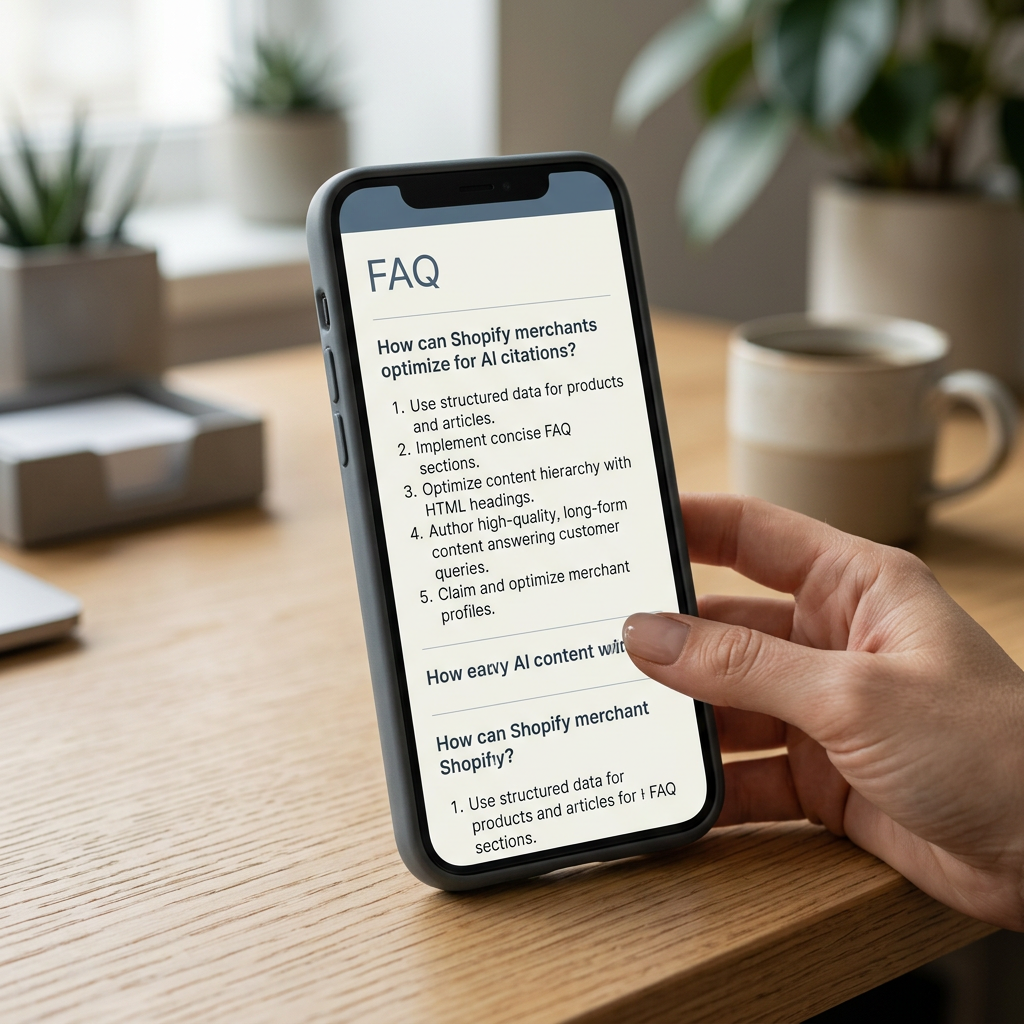
As of 2026, over 80% of Shopify traffic originates from mobile devices. Your FAQ SEO strategy must prioritize vertical space. Accordion menus are popular, but ensure the "hidden" text is still present in the HTML source code upon page load. If search spiders have to trigger a JavaScript event to see the answer, they may fail to index the content entirely.
Content Strategy for High-Intent Traffic
SEO is not just about bringing people to the site; it is about bringing people who are ready to buy. Your FAQ page serves as the final barrier removal tool. If a customer is asking about the difference between your "Carbon" and "Onyx" finishes, they are inches away from a conversion.
Addressing Pricing and Fees
Transparency builds trust, which is a key component of E-E-A-T (Experience, Expertise, Authoritativeness, and Trustworthiness). Create a section detailing your pricing structure. If you offer tiered shipping or international duties, explain the math clearly. Merchants often find that using the Free Shopify Fee Calculator helps them determine the exact thresholds they need to set for "Free Shipping" FAQs to remain profitable while remaining competitive in search.
Optimizing for Zero-Click Searches
A "zero-click" search occurs when the user gets their answer directly on the Google results page without clicking through. While this sounds counterintuitive, it establishes your brand as the definitive authority. By providing a clear, concise 50-word answer, you secure the top spot in the search results, ensuring that when the customer does decide to click, they click on your store.
Auditing and Iteration
SEO is a moving target. What customers asked in 2025 may no longer be relevant in mid-2026. Regularly audit your analytics to see which FAQ pages have declining impressions. This usually indicates that the search intent has shifted or a competitor has provided a more comprehensive answer.
Using Diagnostic Tools
Before launching a new FAQ section, run your page through a Free Shopify Store SEO Checker. This tool will highlight if your H-tags are out of order or if your page load speed is being hampered by unoptimized images within the Q&A blocks. A technical error on your FAQ page can negatively impact the authority of your entire domain.
Conclusion
Mastering SEO for your Shopify FAQ page requires a blend of technical schema precision and empathetic copywriting. By structuring your content to answer the specific, nuanced questions of your audience, you transform a support document into a powerful driver of organic growth.
To ensure your entire store is optimized for the current search landscape, use the ListerRank suite of tools to audit your performance today.
Frequently Asked Questions
How long should a Shopify FAQ answer be for SEO?
For 2026 search standards, aim for 40 to 80 words per answer. This length is ideal for Google's featured snippets and AI overviews, providing enough context for bots while remaining scannable for mobile users.
Does using accordions hurt Shopify FAQ SEO?
Not if implemented correctly. Ensure the content inside the accordion is present in the initial HTML DOM and not pull-loaded via late-stage JavaScript. Search engines must be able to crawl the text without simulating a user click.
What is FAQPage Schema?
FAQPage Schema is a specific type of JSON-LD structured data that tells search engines your content is a series of questions and answers. In Shopify, this can be added to the theme code to enable rich snippets in search results.
How often should I update my FAQ page?
You should review your FAQ content every 90 days. Updating your page with fresh information based on recent customer support tickets signals 'content freshness' to search engines, which can improve your rankings.