
Key Takeaways
- Load Time Thresholds: For optimal Shopify product page conversion, the Largest Contentful Paint (LCP) must occur under 1.2 seconds to prevent a 20% drop in mobile session duration.
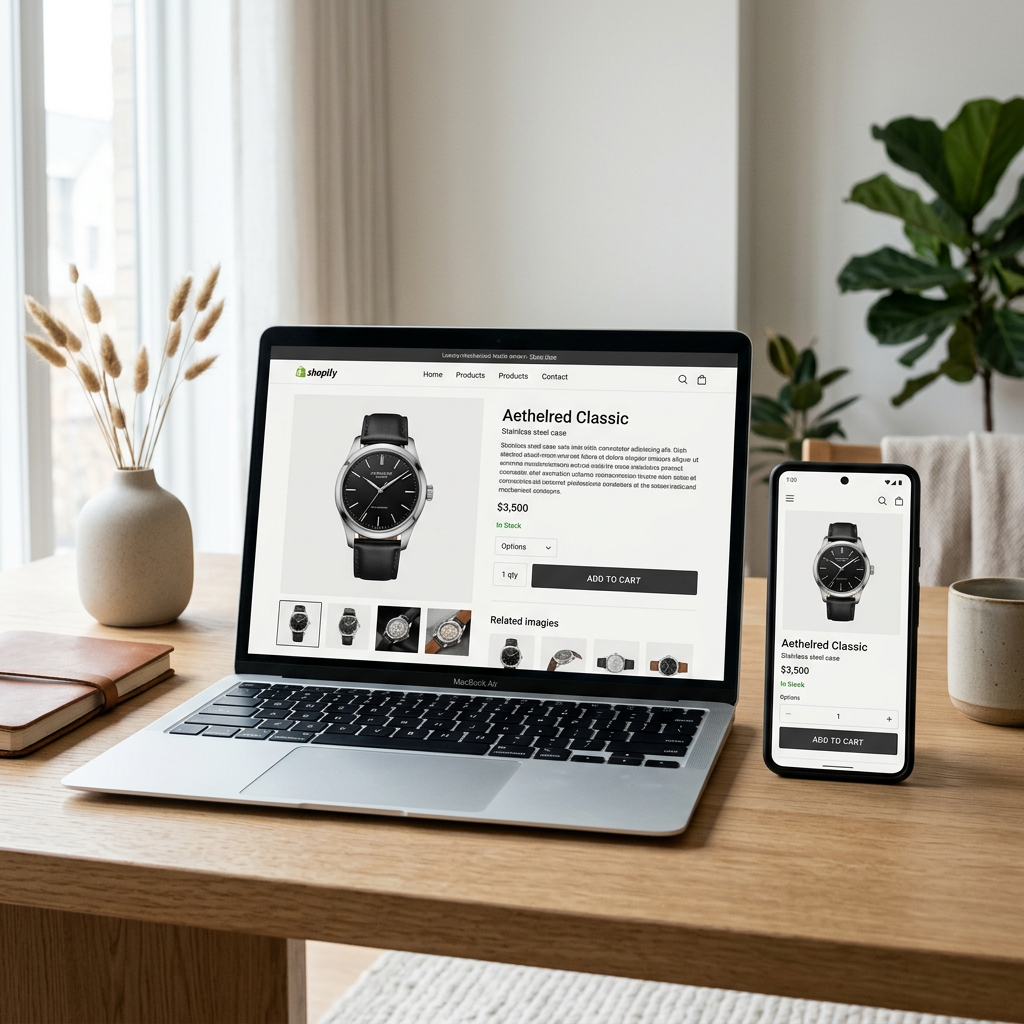
- The 600-Pixel Rule: Essential elements—Product Title, Price, Star Rating, and the Add-to-Cart (ATC) button—must be visible without scrolling on a standard mobile viewport.
- High-Intent Micro-Copy: Replacing generic shipping labels with localized arrival estimates increases checkout initiation by up to 15%.
- Visual Hierarchy: High-resolution WebP images should comprise no more than 60% of the above-the-fold real estate to ensure text-based trust signals remain prominent.
The initial interaction a visitor has with your product determines the trajectory of the entire shopping session. In an era where mobile browsing accounts for over 78% of Shopify traffic, the space above the fold is the most expensive real estate in your digital ecosystem.
The Technical Foundations of Visual Speed
Conversion optimization begins long before a customer reads your copy. If the browser stalls while rendering your main product image, the psychological friction creates an immediate bounce risk. In 2026, Shopify’s native image optimization handles much of the heavy lifting, but the implementation of Liquid logic remains the merchant’s responsibility.
Technical Specs: Above-the-Fold Requirements
| Element | Requirement | Impact on Conversion |
|---|---|---|
| Hero Image Format | WebP or AVIF (Shopify Native) | Fast LCP rendering |
| LCP Image Handling | loading="eager" attribute |
Prevents visual delay |
| Mobile Viewport | Top 600px | Visibility of CTA |
| Font Display | font-display: swap |
Immediate text readability |
| Main Heading | H1 Tag with Keyword | SEO & UX Clarity |
Prioritizing the LCP Image
Ensure your primary product image is not lazy-loaded. By using the eager loading attribute in your Shopify theme's product-media.liquid snippet, you signal to the browser that this asset is a priority. For merchants struggling with image SEO, the Free Shopify Alt Text Generator helps ensure these fast-loading images are also discoverable by search engines and accessible to all users.

Perfecting the Product Information Hierarchy
Structure your product data so the most vital information is consumed first. A common mistake is burying the price or the shipping policy beneath a long paragraph of text. Your H1 product title should be clear, followed immediately by social proof—usually a star rating and review count.
Crafting Benefit-Led Descriptions
While the full technical specs can live lower on the page, the above-the-fold summary must focus on outcomes. If you struggle to strike the balance between SEO and persuasion, the Free Shopify Product Description Generator provides a structured layout with a hook paragraph and scannable bullets designed to hold attention. This ensures your key value propositions are visible before the user feels the need to scroll.
Pro-Tip: Use Shopify Metafields to display a "Quick Benefit" badge (e.g., "100% Organic Cotton") right above the price. This visual anchor validates the price point before the customer even reads the main description.
The Anatomy of a High-Converting Add-to-Cart
The call-to-action (CTA) is the most critical element of shopify product page conversion. It should be the most visually distinct element on the screen. In 2026, "Sticky ATCs" have become standard for mobile users, ensuring the button remains within thumb-reach even as the user explores deeper content.
Payment Flexibility and Trust Signals
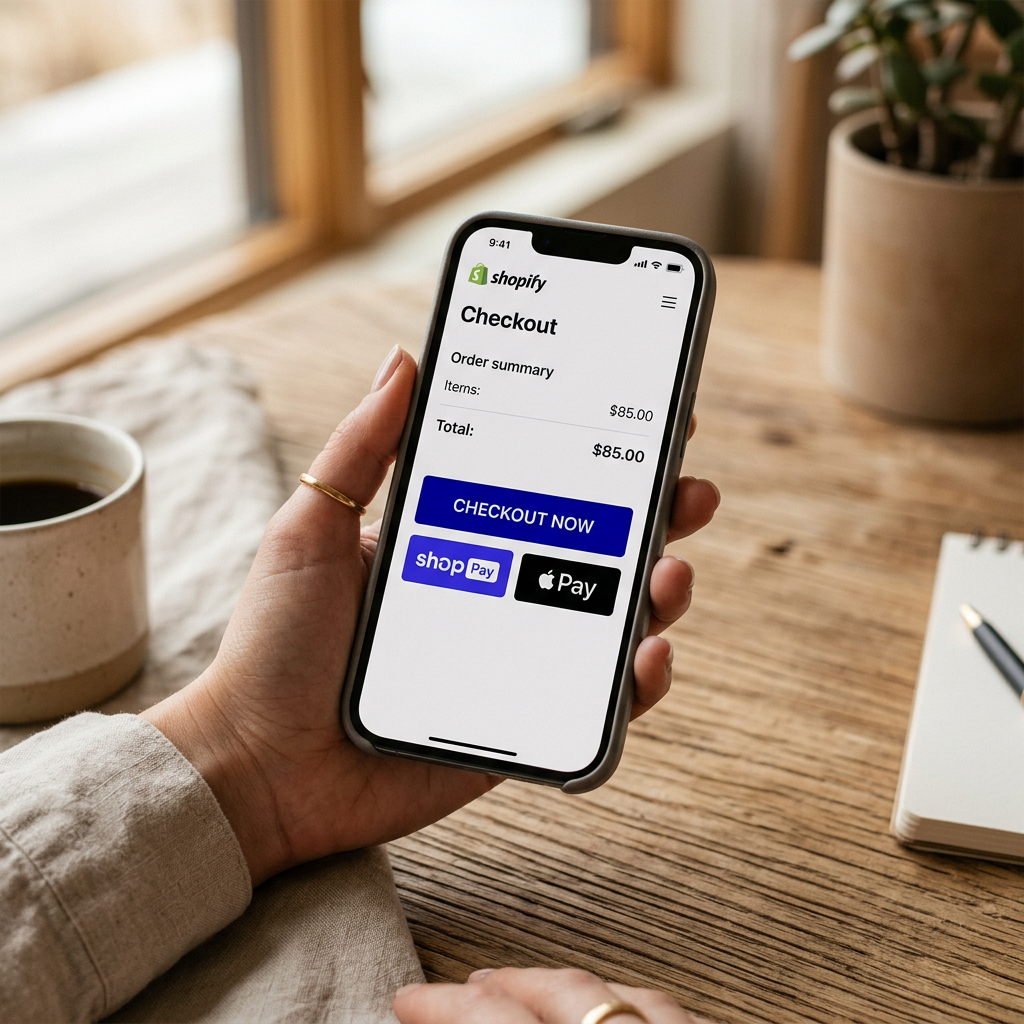
Displaying accepted payment methods directly under the CTA reduces checkout friction. Use the shop_pay_installments snippet if you offer Shop Pay, as the ability to see monthly payment breakdowns can significantly lift the Average Order Value (AOV). You can assess how these platform fees impact your bottom line using the Free Shopify Fee Calculator to ensure your pricing strategy supports these conversion-boosting tools.
Navigation and Breadcrumb Strategy
Breadcrumbs serve a dual purpose: they provide an easy exit path to a broader category for the user and help search engines understand your site architecture. Ensure your breadcrumbs are positioned at the very top of the page, using a small, unobtrusive font. This keeps the user oriented without distracting from the product images.
Validating Your SEO Health
Even the most beautiful above-the-fold design will fail if the technical SEO foundations are weak. Elements like meta titles and structured data must align with the content visible to the user. Running a Free Shopify Store SEO Checker diagnostic will confirm if your H1 tags and schema markup are properly configured to support your conversion efforts.
Comparison: Standard vs. Conversion-Optimized Above-the-Fold
| Feature | Standard Content | Optimized Content |
|---|---|---|
| Images | Single large JPEG | Image slider with WebP/AVIF |
| CTA | Simple "Add to Cart" | "Add to Cart" + Dynamic Pay Buttons |
| Trust | Reviews at bottom | Star rating under Title |
| Shipping | Linked policy page | "Free Shipping Over $50" text |
Conclusion
Successful product page conversion is an exercise in clarity and speed. By technicalizing your LCP assets, refining your content hierarchy, and ensuring your CTA remains the star of the show, you create a seamless path to purchase. A well-optimized above-the-fold area doesn't just look better; it functions as a high-performance engine for your Shopify store's growth.
Start your optimization journey by running a Free Shopify Store SEO Checker to identify immediate opportunities for improvement.
Frequently Asked Questions
What is a good conversion rate for a Shopify product page in 2026?
Depending on the industry, a healthy benchmark is between 2.5% and 4%. High-end boutique brands often see higher rates when their above-the-fold content is deeply personalized.
Does video above the fold hurt mobile conversion?
Only if it is not optimized. Use Shopify’s native video hosting and set videos to autoplay, muted, and loop, while ensuring they are lazy-loaded or lower priority than the LCP static image.
How many images should be visible above the fold?
On mobile, one primary image (the hero) should be fully visible, with a small portion of the second image or 'pagination dots' visible to signify a gallery exists.