
Key Takeaways
- Placement Matters: Trust badges located directly under the 'Add to Cart' button or within the Shopify checkout liquid file can improve conversion rates by 3% to 9% for high-consideration items.
- SVG Optimization: Use SVG format for all badges to ensure crisp rendering on 2026 retina displays and to keep page weight under 15KB per asset for better Core Web Vitals.
- Verification is Mandatory: Static images of third-party logos (like 'Norton Secured') without an active dynamic link can lead to ad account suspension and merchant penalty; always link to a live verification certificate.
- Dynamic Payments: In 2026, 74% of shoppers prefer seeing dynamic payment badges that reflect their specific region’s local currency and wallet options (Apple Pay, Shop Pay, Klarna).
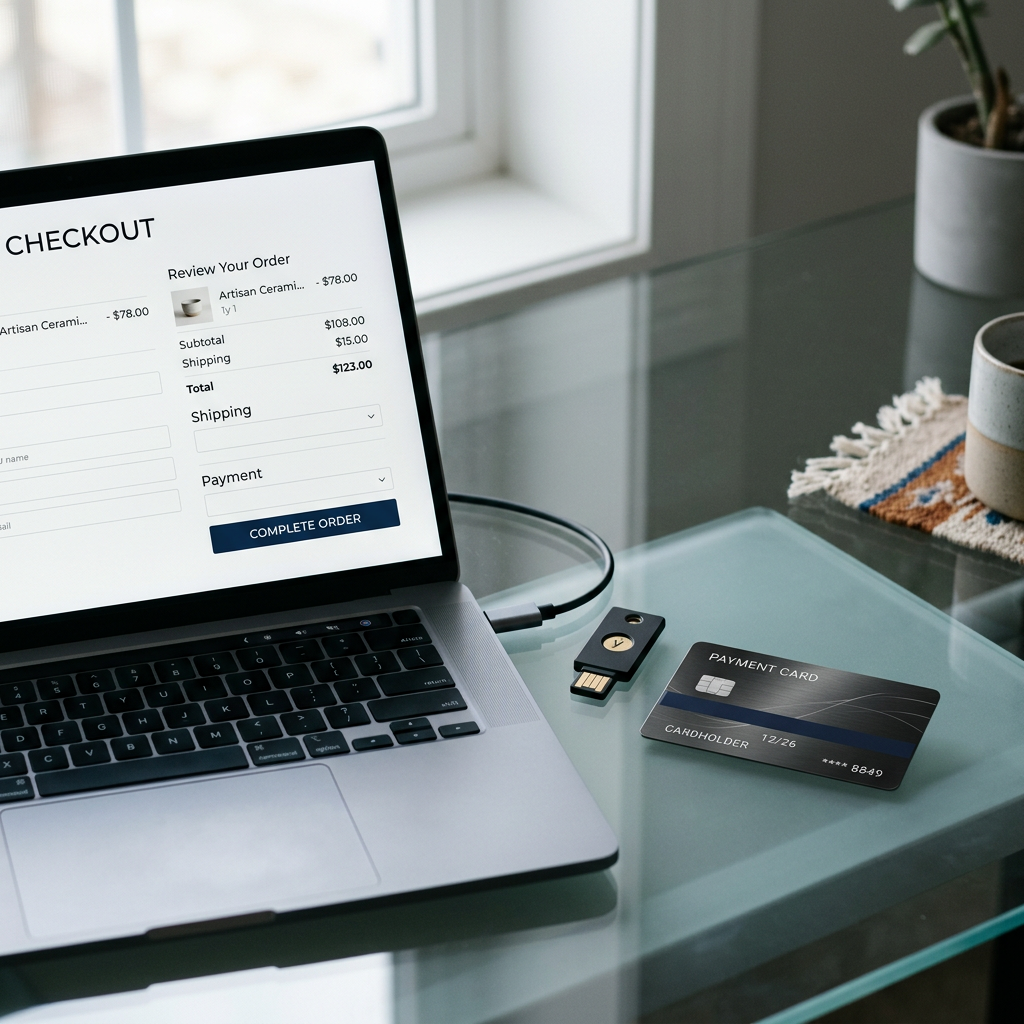
The digital environment of 2026 requires more than just a functioning checkout; it demands a visible commitment to security and transparency. Shopify trust badges serve as cognitive shortcuts, reassuring customers that their sensitive data remains protected and their purchase is backed by reliable shipping and return policies.
The Psychology of Social Proof in 2026
Trust is not a monolithic feeling but a series of micro-validations. When a visitor lands on a product page, they subconsciously scan for familiar symbols that signal safety. These symbols bridge the gap between a first-time visitor and a repeat customer.
Security-Based Trust Signals
Security badges focus on technical architecture. In 2026, SSL is no longer a selling point but a baseline requirement. Modern merchants focus on payment-level security, highlighting PCI compliance and encryption standards. Using the Free Shopify Store SEO Checker can help identify if your security headers are correctly indexed and visible to search engines.
Transactional and Payment Badges
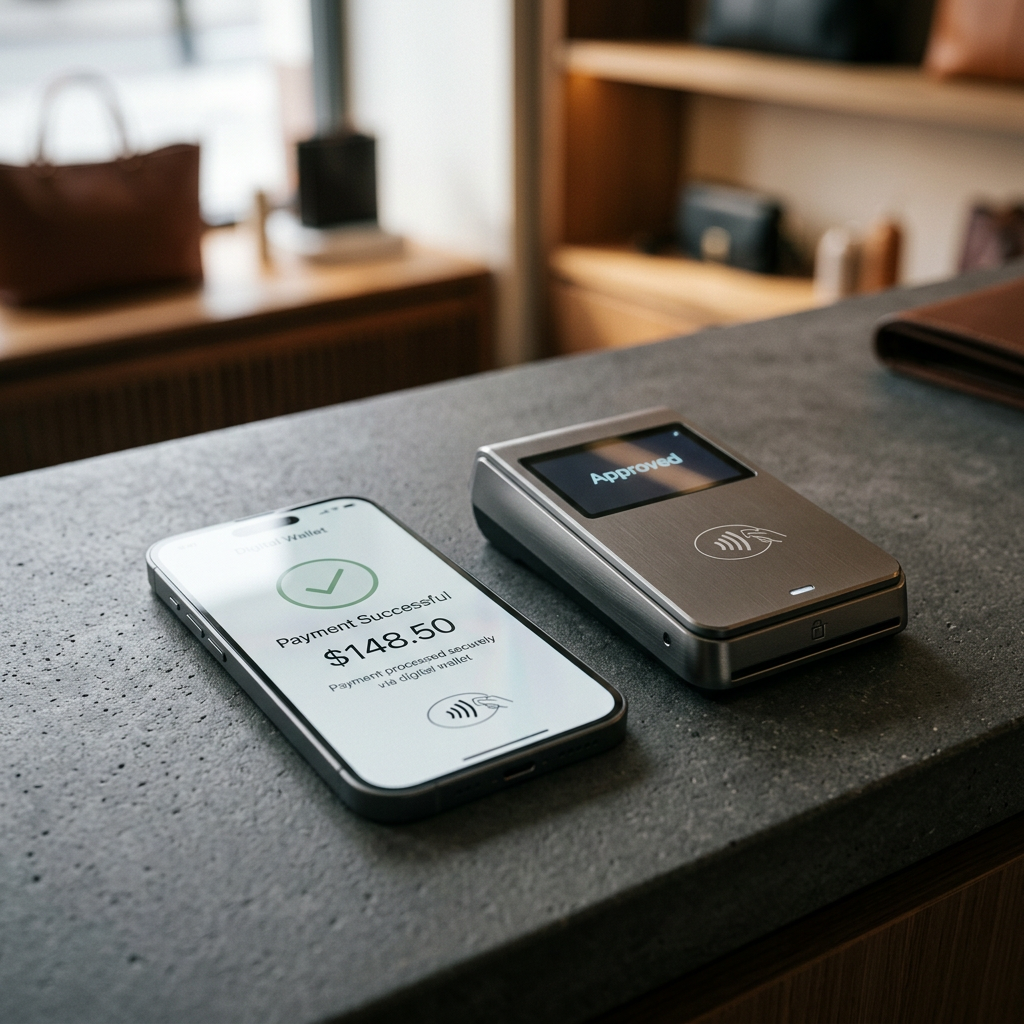
These icons display the various ways a customer can pay. Beyond Visa and Mastercard, showing logos for Shop Pay, PayPal, and ‘Buy Now, Pay Later’ providers like Affirm or Klarna reduces friction. If you are unsure of how these payment methods impact your bottom line after transaction costs, use the Free Shopify Fee Calculator to visualize your net profit per order.
Strategic Placement for Maximum Impact
Strategic placement of Shopify trust badges prevents layout clutter while maximizing visibility at critical decision points. The goal is to provide reassurance at the exact moment a customer feels the 'pain' of spending money.
The Product Page Anchor
Ideally, place a row of simplified badges immediately below the 'Add to Cart' or 'Buy It Now' button. Avoid using more than four distinct icons in this space. Focus on your core value proposition: 'Free Shipping Over $100,' '30-Day Returns,' or 'Eco-Friendly Materials.'
The Footer and Checkout Flyouts
While the footer is a traditional home for trust signals, the cart drawer or slide-out menu is more effective in 2026. As a customer reviews their items, a 'Secure Checkout' badge directly next to the total price reinforces their decision to proceed. Use the Free Shopify Alt Text Generator to ensure every badge has descriptive, screen-reader-accessible tags, which also aids in Google Image SEO.
Technical Specs for 2026 Assets
To maintain high page speeds and professional aesthetics, follow these strict technical guidelines for all trust icons uploaded to your Shopify theme assets or files section.
| Attribute | Recommended Value | Why It Matters |
|---|---|---|
| File Format | .SVG (Scalable Vector Graphics) | Ensures clarity at any zoom level without pixelation. |
| Dimensions | 40px to 60px height | Balances visibility with visual hierarchy. |
| File Size | < 5KB per icon | Prevents cumulative layout shift (CLS) and slow TBT. |
| Alt Text | "Secured with Shopify Payments" | Essential for ADA compliance and screen readers. |
| Contrast Ratio | 4.5:1 minimum | Ensures legibility for visually impaired users. |
Pro-Tip: Use Shopify Metafields to toggle specific badges for specific collections. For example, display a 'Lifetime Warranty' badge only on your premium product category through a simple conditional check in your
main-product.liquidfile.
Authenticity Over Quantity
A common mistake is the "alphabet soup" approach—cramming ten different logos into one space. This often triggers skepticism rather than trust. Authenticity in 2026 is about choosing signals that align with your brand’s maturity and category.
Industry-Specific Certifications
If you sell beauty products, 'Cruelty-Free' or 'Organic' badges carry more weight than a basic SSL logo. For luxury goods, 'Authenticated Original' or 'Insured Shipping' are the primary conversion drivers. Tailoring your copy to these benefits is critical; using the Free Shopify Product Description Generator can help you weave these trust-based benefits into your marketing copy without sounding repetitive.
The Evolution of the 'Money-Back' Badge
In 2026, customers look for specific return windows. Instead of a generic badge, use text-based icons that state 'Transparent 60-Day Returns.' This specificity builds more rapport than a vague 'Satisfaction Guaranteed' seal, which has lost its potency due to over-use in early e-commerce eras.
Conclusion
Shopify trust badges remain one of the most cost-effective ways to optimize your conversion rate. By focusing on high-quality SVG assets, strategic placement in the checkout flow, and industry-specific certifications, you create a professional environment that respects the customer's safety. For a comprehensive look at how your store's trust signals and technical SEO are performing, run a diagnostic with our Free Shopify Store SEO Checker today.
Frequently Asked Questions
Do trust badges actually increase conversion in 2026?
Yes, studies show that relevant, well-placed trust badges can increase conversion by 3-9%, particularly for stores with a lower brand recognition where shoppers need extra reassurance.
Where is the best place to put Shopify trust badges?
The most effective locations are directly under the 'Add to Cart' button, in the footer of the website, and on the cart page near the subtotal.
Should I use a Shopify app for trust badges?
Apps can offer convenience, but manual placement via Liquid code and SVG files is preferred in 2026 to avoid slowing down site performance with external scripts.
What is the most trusted badge for an online store?
Payment-related badges like Shopify Payments, PayPal, and Apple Pay are currently the most effective, as they imply a secure financial transaction.