
Key Takeaways
- Native Support: Shopify automatically serves images in WebP format via its Content Delivery Network (CDN) for compatible browsers, meaning manual conversion is often unnecessary for Liquid-based themes.
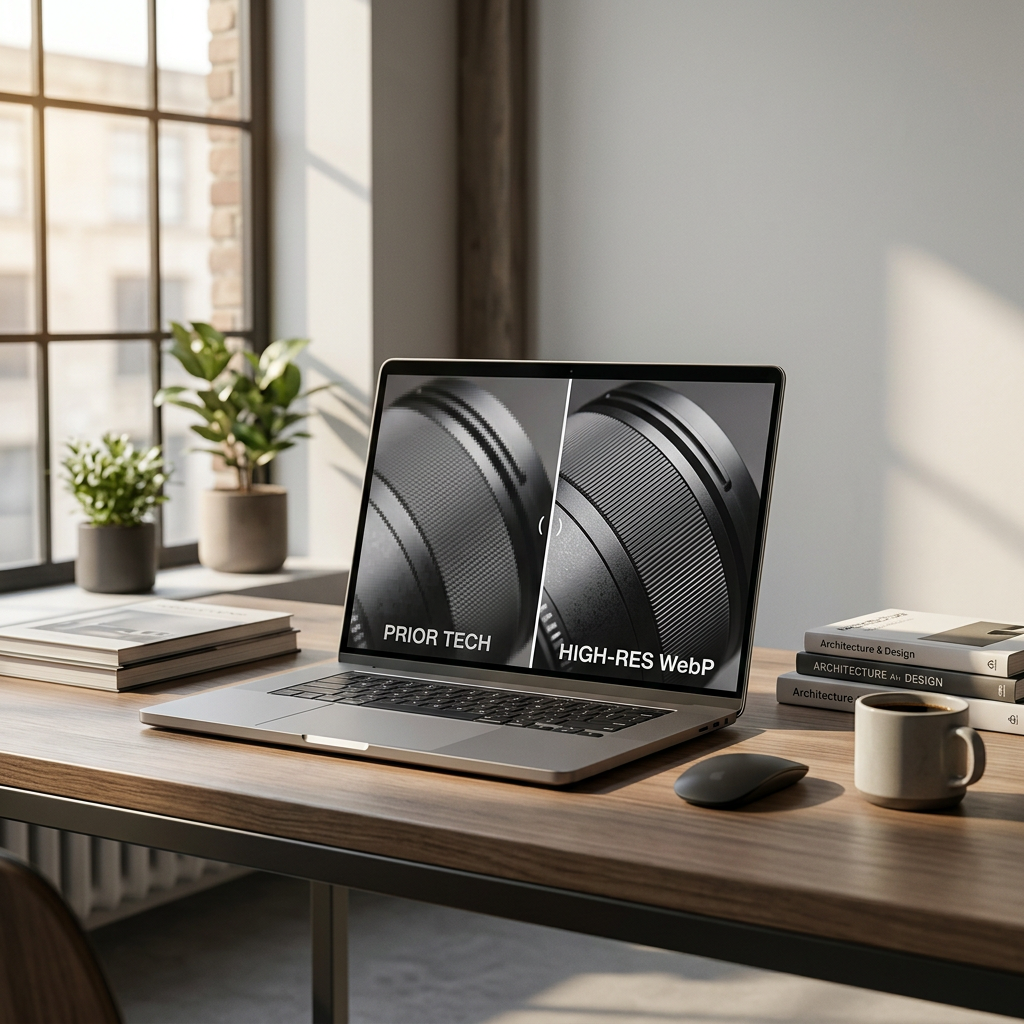
- Compression Efficiency: Switching from JPEG to WebP typically results in a 25% to 35% reduction in file size while maintaining equivalent visual fidelity.
- Format Versatility: WebP supports both lossy and lossless compression as well as alpha channel transparency, making it a superior replacement for both JPG and PNG files in a 2026 storefront.
- Liquid Implementation: Use the
image_urlfilter with theformatparameter in Shopify Liquid to explicitly request specific outputs, though the CDN's auto-negotiation is the standard recommendation for most merchants.
The visual integrity of a Shopify store is often the thin line between a bounce and a conversion. As we navigate the mid-2026 e-commerce landscape, the technical execution of those visuals—specifically through the use of WebP—has become a non-negotiable standard for performance-minded brands.
The Architecture of Shopify WebP Images
Shopify handles the heavy lifting of image optimization through its proprietary CDN. When a merchant uploads a high-quality JPEG or PNG to the Files section or a product page, Shopify stores the original master. When a customer visits the store, Shopify’s edge servers detect the browser's capabilities. If the browser supports WebP—which virtually all modern browsers do in 2026—the CDN serves a compressed WebP version of that asset on the fly.
Technical Specs: Image Optimization Thresholds
To ensure your store remains fast, follow these technical constraints for your source files before Shopify's CDN performs its conversion.
| Feature | Recommended Value | Shopify Limit |
|---|---|---|
| Max File Size | < 2MB for source files | 20MB per image |
| Resolution | 2048 x 2048 px (Product) | 4472 x 4472 px |
| Formats | JPG, PNG, WEBP, AVIF | Varies by browser |
| Target Load Time | < 200ms per image | N/A |
| DPI | 72 DPI (Standard Web) | N/A |
The Importance of the Master File
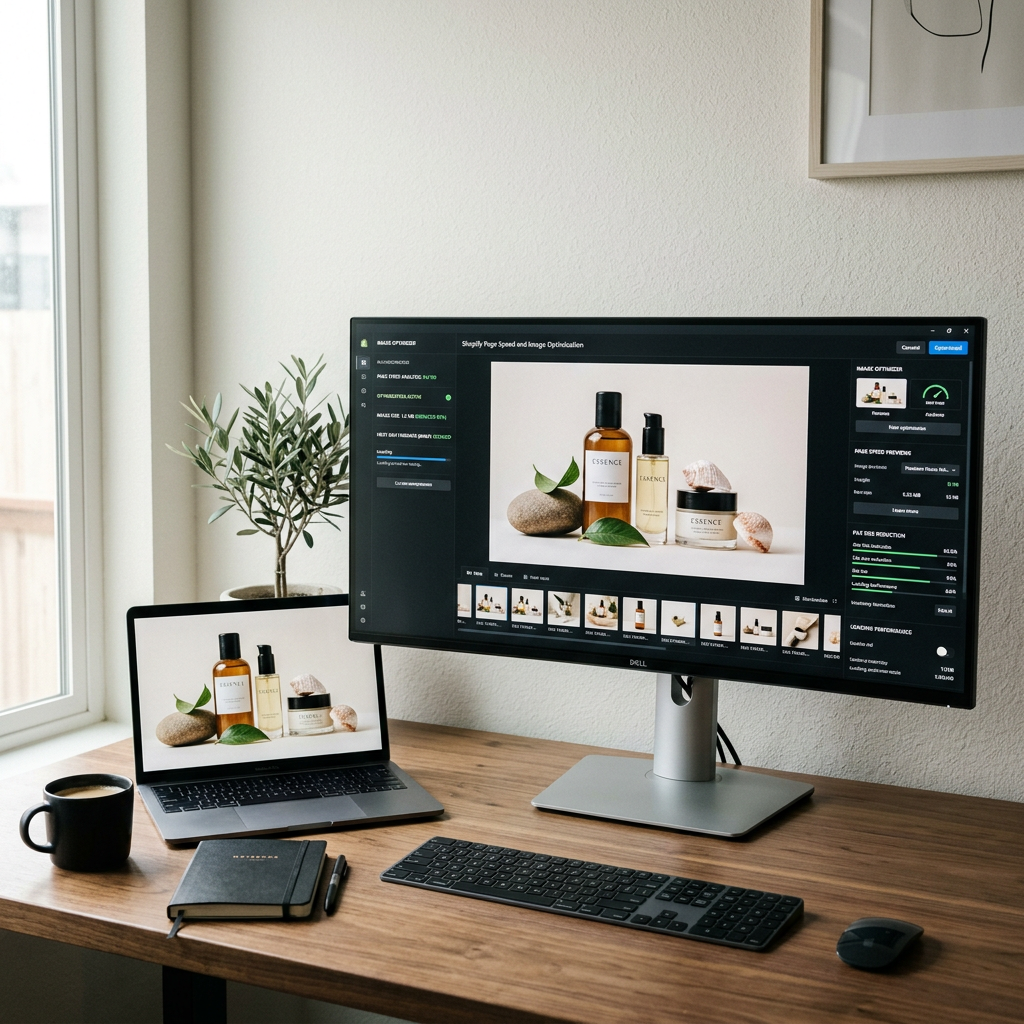
While WebP is the delivery format, the quality of your output is limited by your input. Uploading a heavily compressed JPEG will result in a WebP image with noticeable artifacts. Always upload high-resolution, low-compression source files. Shopify will handle the reduction. If you are auditing your current site performance, start by using a Shopify store SEO checker to identify which legacy assets are dragging down your Core Web Vitals.
Implementing WebP in Online Store 2.0
Modern Shopify themes built on Online Store 2.0 architecture utilize the image_tag and image_url Liquid filters. This code-based approach ensures that the browser receives the most efficient format possible without additional apps.
Using the image_tag Filter
In your Liquid files (such as snippets/product-card.liquid), use the following syntax to allow Shopify to manage the format:
{{ product.featured_image | image_url: width: 800 | image_tag: loading: 'lazy' }}
By omitting a specific format, you allow Shopify’s CDN to negotiate the best format (WebP or AVIF) based on the user's browser. This preserves the loading speed of your store, which directly impacts your bottom line. Merchants concerned about how these technical choices affect their margins can use a Shopify fee calculator to see how improved conversion rates from faster speeds offset platform costs.
Handling PNG Transparency
One of the primary advantages of WebP in 2026 is its ability to handle transparency more efficiently than PNG. If your brand uses floating product shots or complex overlays, WebP provides the exact same transparency with significantly lower data weight.
Pro-Tip: When exporting from Photoshop or Lightroom for your 2026 catalog, save your transparent files as high-quality PNGs. Shopify's CDN will convert these to transparent WebP files automatically, saving you the manual labor of double-exporting assets.

SEO Implications of Image Formatting
Search engines prioritize user experience, and page load speed is a verified ranking factor. Large, unoptimized images are the most common cause of high Largest Contentful Paint (LCP) scores. Moving to WebP is a signal to search engines that your site is technically sound and responsive.
Alt Text and Accessibility
Format optimization means nothing if the search engine cannot understand the context of the image. Even with the best WebP implementation, every product image requires descriptive alt text. This is essential for screen readers and helps your images surface in Google Image Search. To streamline this process, you can use a Shopify alt text generator to ensure every asset is properly indexed.
Meta Descriptions and Image Context
Images work in tandem with text to define a page's relevance. Ensure your product descriptions and meta tags align with the visual data served by your WebP assets. High-quality imagery should be supported by professional copy that converts. If you are struggling with the writing process, a Shopify product description generator can help bridge the gap between technical optimization and brand storytelling.
Troubleshooting Common WebP Issues
While Shopify's automation is robust, certain edge cases require manual intervention. For example, some legacy image apps or custom-coded sliders may bypass the Shopify CDN's logic, serving original file formats instead of optimized versions.
Audit Your Media Library
Regularly check your "Files" admin section. Look for assets that are disproportionately large. If an image is over 5MB, even the CDN's WebP compression will struggle to make it "light." Aim for a balance where the original source is clean but not excessive.
Monitoring Site Speed
As you transition more of your catalog to high-density imagery, monitor your speed score in the Shopify Analytics dashboard. WebP is a tool to maintain speed, not a license to bloat your pages with unnecessary visual elements.
By respecting these technical nuances, the modern Shopify merchant ensures their store remains a frictionless environment for the customer. High-performance imagery isn't just a technical detail; it is a foundational element of the brand experience in 2026.
For a deeper look at your store's performance, run a diagnostic with the ListerRank SEO checker.
Frequently Asked Questions
Does Shopify automatically convert my images to WebP?
Yes. Shopify’s CDN automatically serves WebP versions of your JPEG and PNG images to browsers that support the format, which includes all major browsers in 2026.
Should I upload WebP files directly to Shopify?
You can, but it is often better to upload a high-quality JPEG or PNG. This allows Shopify to create various sizes and formats (like AVIF or WebP) from a high-quality master file.
Will using WebP improve my SEO?
Indirectly, yes. WebP reduces file sizes and improves page load speed, which is a key ranking factor for Google and other search engines.
Can WebP replace transparent PNG files?
Yes, WebP supports transparency (alpha channel) and is typically much smaller in file size than an equivalent PNG-24 file.