
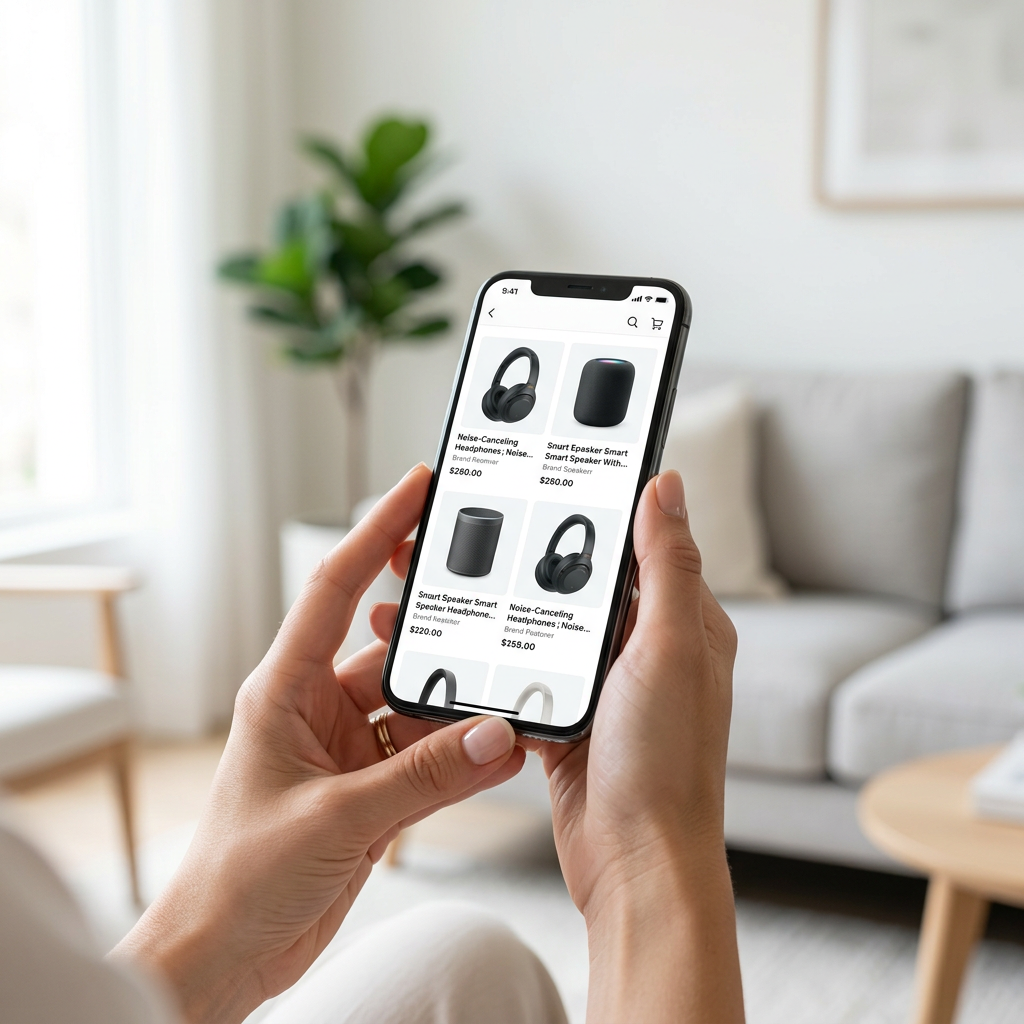
Mobile commerce has officially surpassed desktop as the primary driver of marketplace revenue. In 2026, a listing that looks perfect on a 27-inch monitor often fails on a 6.1-inch smartphone screen due to truncated titles and hidden descriptions. Mastering amazon listing optimization for mobile app users requires a fundamental shift in how you prioritize data and visual hierarchy.
The Mobile-First Reality of 2026
The Amazon shopping app experience is significantly more restrictive than the desktop version. On mobile, the 'Buy Box' and 'Add to Cart' buttons appear much earlier in the scroll, often before the full product description or even the secondary images. If your value proposition isn't clear within the first 1.5 seconds of a thumb-swipe, the bounce rate will skyrocket.
Character Truncation and the 'Golden' 70 Characters
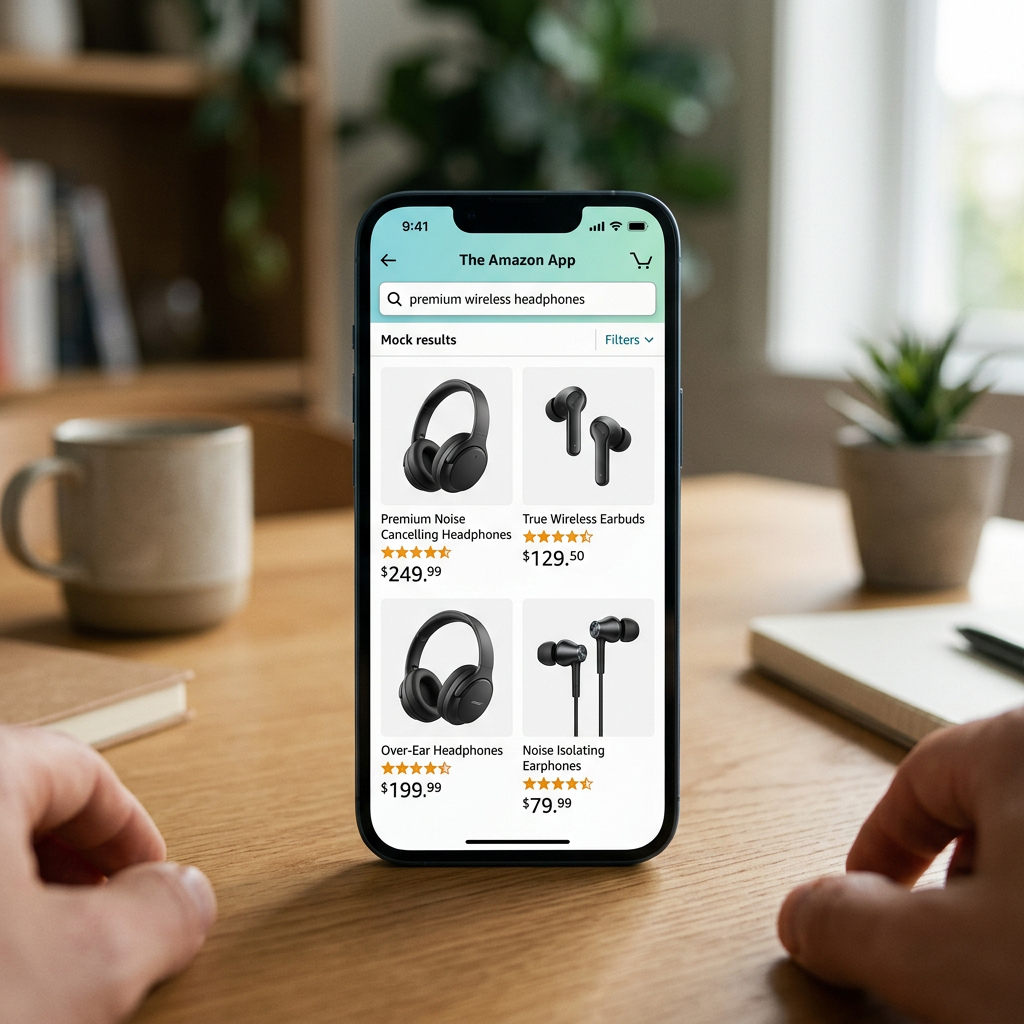
While Amazon allows up to 200 characters for most titles, the mobile app often truncates titles after just 70 to 80 characters. If your main keyword and primary differentiator are at the end of a long title, mobile shoppers will never see them. Using a Free Amazon Title Generator helps ensure your most critical information appears before the fold.
Visual Psychology in the Amazon App
On mobile, images take up nearly 60% of the initial screen real estate. This makes high-quality infographics and lifestyle shots more important than ever. Unlike desktop users who might hover over images to zoom, mobile users rely on horizontal swiping.
Image Optimization for the Small Screen
- Main Image: Must be 1600x1600 pixels to allow for pinch-to-zoom clarity without pixelation.
- Text Size: Infographic text must be at least 30pt font to remain legible on a mobile device without the user needing to zoom.
- Sequence: The second and third images must communicate the top two benefits instantly, as mobile users rarely swipe through all seven images.
Tip: Test your infographics on an actual smartphone. If you cannot read your benefit icons while holding the phone at arm's length, the text is too small for the average shopper.
Structuring Product Descriptions for Touch Interaction
The Amazon mobile app reorders page elements. Frequently, the product description or A+ Content appears above the bullet points, which is the opposite of the desktop layout. This makes Amazon product description SEO critical for mobile conversion.
Mobile vs. Desktop Information Hierarchy
| Element | Desktop Priority | Mobile Priority | Mobile Constraint |
|---|---|---|---|
| Title | Full 200 Chars | First 70-80 Chars | Truncation in search results |
| Images | Side-by-side focus | Swipe-heavy focus | Must be legible at small scale |
| Bullet Points | Top of the fold | Below A+ Content | Often collapsed by default |
| A+ Content | Deep down the page | High-visibility | Critical for brand storytelling |
Because of this shift, you should use an Amazon product description HTML editor to ensure your formatting remains clean and compliant. Even if you use A+ Content, the plain-text description is what the Amazon algorithm indexes most heavily for mobile search queries.
Backend Mastery and the Algorithm
Since the mobile interface hides more text than desktop, your backend strategy must compensate for the loss of visible keywords. Mobile users often use shorter, more intent-driven search terms compared to desktop users who may browse longer. Understanding Amazon backend search terms vs. description strategies is vital for capturing this mobile traffic.
 Utilizing Free Amazon Keyword Research tools allows you to identify which high-volume terms should be moved to the backend to keep your frontend titles clean and mobile-friendly.
The Rise of Mobile Voice Search
In 2026, an increasing number of mobile app users utilize the microphone icon in the Amazon search bar. This behavior favors natural language over robotic keyword stuffing. When optimizing Amazon listings for voice search, focus on long-tail keywords that sound like a verbal question, such as "What is the best waterproof speaker for hiking?"
High-Conversion Bullet Points for the App
On the mobile app, Amazon often collapses bullet points or only shows the first two unless the user clicks "See More." This creates a "hook" requirement. Your first two bullets must contain your most aggressive sales pitch and primary benefit. Using a Free Amazon Bullet Point Generator can help you draft benefit-driven copy that fits within these mobile constraints.
- Lead with the Benefit: Don't start with technical specs; start with the outcome (e.g., "Stay Charged for 48 Hours" vs "5000mAh Battery").
- Use All-Caps Headers: Using 2-3 words in ALL CAPS at the start of each bullet helps mobile scanners identify key features.
- Keep it Concise: Limit each bullet to 150-200 characters to prevent a "wall of text" that discourages mobile reading.
Technical Considerations: Fees and SEO
Mobile-first optimization isn't just about the interface; it's about the bottom line. As you optimize for mobile search, ensure your pricing remains competitive by factoring in all fulfillment costs. The Free Amazon FBA Calculator is essential here to determine if your mobile-driven traffic will result in profitable sales after referral and shipping fees.
Furthermore, remember that while you are optimizing for the Amazon app, these changes also impact how Google indexes your mobile page. The nuances between Amazon SEO vs. Google SEO for listings dictate that your mobile-optimized Amazon page must still contain the structural data Google requires to rank your product in external mobile search results.
Conclusion
In 2026, the Amazon app is not just a secondary channel; it is the primary storefront for the majority of shoppers. By prioritizing the first 70 characters of your title, ensuring image legibility, and utilizing backend keywords to keep the frontend clean, you create a seamless path to purchase for mobile users.
Check your current performance by using our Free Amazon Listing Analyzer to see how your product stacks up against mobile-first standards.
Frequently Asked Questions
How many characters are visible in an Amazon product title on mobile?
On the Amazon mobile app, titles are typically truncated after 70-80 characters in search results, though the full title is visible once the product page is opened.
Where do bullet points appear in the Amazon app compared to desktop?
On desktop, bullet points are usually at the top right. In the mobile app, they are often pushed below the A+ Content and sometimes hidden behind a 'See More' dropdown.
Should I use HTML in my mobile product descriptions?
Amazon restricts most HTML, but basic formatting like line breaks is essential to prevent text from bunching up on small mobile screens. Always use a compliant editor.
Is A+ Content mobile-responsive?
Yes, Amazon automatically scales A+ Content for mobile, but sellers should still design with a 'mobile-first' mindset, ensuring text within images is large enough to read on a phone.