

Submitting a high-converting brand asset only to face a generic denial notification from the Amazon Brand Registry team can stall a product launch for weeks. In 2026, the Amazon A+ Content Manager has integrated advanced AI vision and NLP filters that catch subtle policy violations more efficiently than ever before. Understanding the nuanced triggers for these rejections is the only way to maintain a clean submission record and keep your listings competitive.
Leading A+ Content Manager Rejection Reasons in 2026
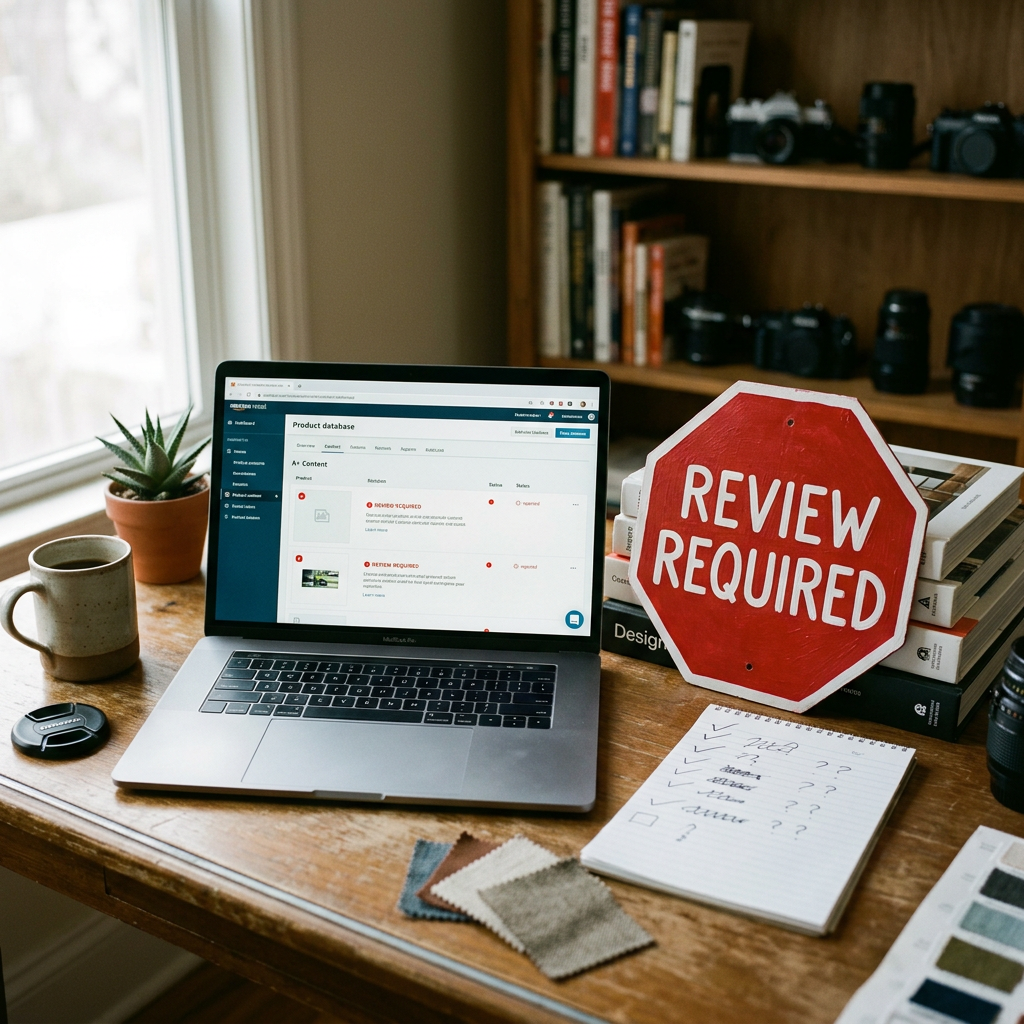
Most rejections fall into three buckets: prohibitive claims, technical image failures, and contact information violations. While the dashboard often provides a high-level reason code, the specific localized error is usually buried in the module feedback.
1. Subjective Claims and Superlatives
Amazon aggressively flags any language that cannot be objectively proven. Terms like "The Best," "#1 Rated," or "Top-Selling" are immediate triggers for rejection unless accompanied by a verified third-party source and a date within the last 18 months. Even if you are trying to highlight your inventory's performance, using a Free Amazon Listing Analyzer can help you identify if your copy leans too heavily on fluff rather than factual data.
2. Forbidden Contact or Shipping Information
It remains a top-tier violation to include any mention of your company's website, QR codes, or off-Amazon customer service details. This includes "Free Shipping" mentions or specific delivery guarantees. Amazon's system is now highly adept at scanning background elements in lifestyle photos for URLs or social media handles printed on product packaging.
3. Competitor Comparisons and Trademarks
You cannot mention competitors by name or provide direct comparisons that disparage another brand. If you use a comparison table, you must compare your product against "Other Brands" or generic industry standards. When building these, mastering the A+ content comparison table strategy ensures you cross-sell your own catalog rather than accidentally mentioning a rival brand's trademark.
Technical Image and Text Requirements
In 2026, image resolution and text-to-image ratios have become stricter to accommodate the surge in mobile shopping. If your text is embedded into an image rather than entered into the text boxes, the A+ content manager may reject it for lack of accessibility (OCR compatibility).
| Rejection Category | Specific 2026 Trigger | Required Fix |
|---|---|---|
| Image Quality | Low-resolution or pixelated assets | Use 300 DPI shots; follow the Amazon A plus content image size 2026 guide. |
| Pricing Claims | Including "Sale," "Cheap," or "Bonus" | Remove all price-sensitive or time-sensitive promotional language. |
| Grammar | Excessive caps or punctuation (!!!) | Use sentence case; run copy through the Free Amazon Description Generator. |
| Reviews | Quotes from customers or influencers | Remove all testimonials. Only editorial reviews from recognized sites are permitted. |
Compliance for High-Risk Categories
Certain categories, such as Health & Personal Care or Apparel, face an extra layer of scrutiny during the approval process. For supplement sellers, any medical claim—even a subtle one like "prevents illness"—will lead to a permanent block of that A+ draft. It is essential to understand supplement A+ content compliance before submitting assets for vitamins or minerals.
Similarly, fashion sellers often fail due to sizing or material claims that Amazon deems "unverifiable." If you are selling clothing, ensure your layout follows the Amazon A+ Content for clothing and fashion standards to avoid rejections based on fit-guarantee language.
Fixing Mobile-Specific Rejections
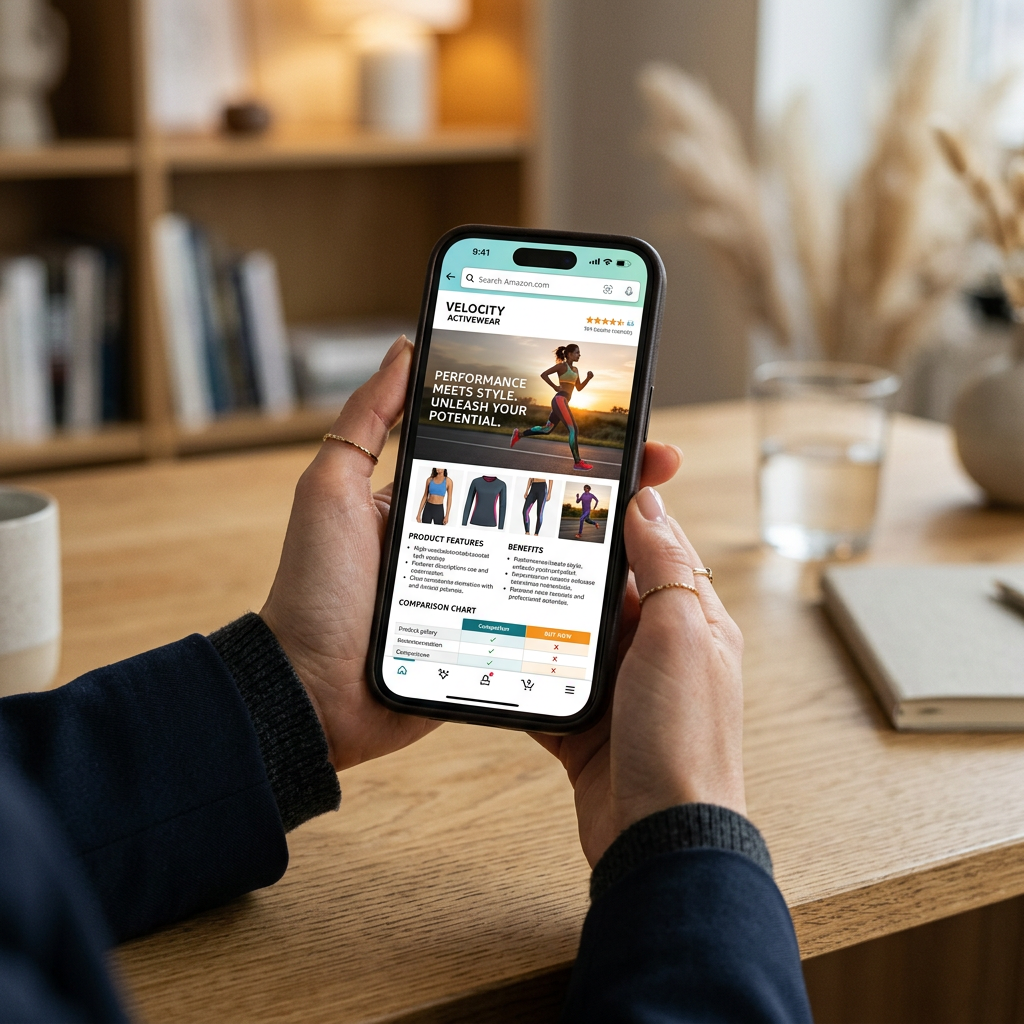
With over 75% of Amazon transactions occurring on mobile in 2026, the A+ Content Manager now checks for "Mobile Readability." If your font size within an image is too small to be read on a standard smartphone screen, the content may be rejected for poor user experience.
Tip: Always toggle the 'Mobile' preview in the A+ Content Manager. If you cannot read your text overlay without zooming, Amazon's automated validator likely won't approve it either.
Implementing a mobile-first A+ content design is no longer optional. This approach reduces the chances of rejection by ensuring all visual elements are optimized for the 2026 app interface.
Step-by-Step Resolution Workflow
If your content is rejected, do not simply resubmit the same file. Amazon tracks the number of times a submission is denied, and repeated failures can lead to a temporary lock on your Brand Registry A+ privileges.
- Locate the ASIN: Go to the A+ Content Manager and find the status 'Rejected.'
- View Rejection Reasons: Click 'Edit' on the specific content. Look for the red exclamation marks next to specific modules.
- Audit Your Copy: Review your claims. If you've mentioned a 2-year warranty without a link to the warranty PDF in the listing, remove it. Use the Free Amazon Keyword Research tool to replace fluff with high-volume, compliant search terms.
- Check Brand Story Overlap: Ensure your A+ Content does not repeat the exact images used in your Brand Story. This redundancy is a frequent 2026 rejection reason. Learn the nuances of brand story vs A+ content to separate your high-level brand mission from product-specific details.
- Re-upload and Preview: After making changes, preview both desktop and mobile versions before clicking 'Submit for Approval.'
Conclusion
Navigating A+ content manager rejection reasons requires a blend of strict adherence to Amazon's 2026 style guidelines and a clinical approach to your product claims. By removing subjective language, optimizing for mobile, and ensuring your images meet the latest resolution standards, you can minimize downtime and maximize conversion.
Check your listing's potential today by using the ListerRank Amazon Listing Analyzer to find and fix conversion gaps.
Frequently Asked Questions
How long does it take for Amazon to review A+ Content in 2026?
Typically, the review process takes 2 to 7 business days. However, during peak periods like Prime Day or Q4, it can take up to 10 days.
Can I use external links in my A+ Content?
No. Any mention of external URLs, QR codes, or off-Amazon contact information will result in an immediate rejection by the A+ Content Manager.
Why was my A+ Content rejected for 'blurred images' when they look fine to me?
Amazon uses automated tools to check file resolution and compression. If your image is below the minimum pixel requirements for the specific module (often 600px to 970px wide), it will be flagged as low quality.
Are quotes from customers allowed in A+ Content?
No. Amazon strictly prohibits customer testimonials, star ratings, or quotes from reviews within A+ Content to prevent biased or unverified social proof.