
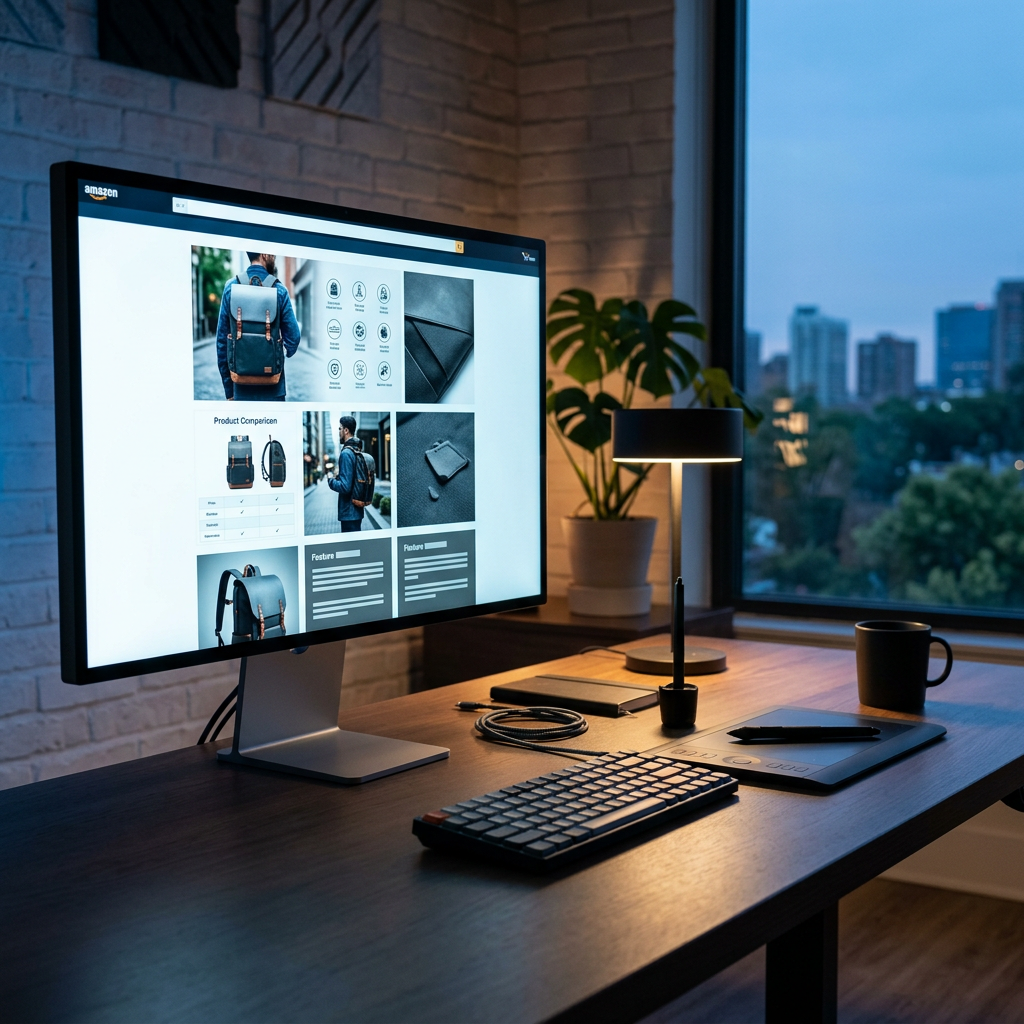
Optimizing your product detail page requires more than just high-quality photography; it demands precise technical execution to prevent blurry scaling or rejected file uploads. As of June 2026, Amazon’s mobile-first rendering engine prioritizes specific aspect ratios that can make or break your customer's trust. Getting the amazon a plus content image size 2026 specifications right is the first step toward reducing bounce rates and improving your brand's perceived value.
Core Module Dimensions for 2026
Amazon's A+ Content (formerly EBC) operates on a modular grid system. While the system is flexible, the underlying pixel requirements are rigid. If you upload a 1000px image into a 970px slot, the Amazon algorithm will compress the file, often resulting in unwanted artifacts and loss of sharpness.
Standard Desktop Modules
The foundation of most A+ layouts remains the 970-pixel width. However, 2026 standards suggest uploading at 2x density (1940px) where the system allows to ensure crispness on Retina and 4K displays.
- Company Logo: 600 x 180 pixels (minimum)
- Full Image (970 Header): 970 x 600 pixels
- Standard 3-Image Showcase: 300 x 300 pixels per image
- Standard 4-Image Quadrant: 220 x 220 pixels per image
- Comparison Chart: 150 x 300 pixels per product image
 When designing these modules, remember that your visuals must compliment your copy. If you find your text is getting too long for the standard description fields, use the free Amazon description generator to create scannable, benefit-driven sections that fit the layout perfectly.
The Technical Spec Table: 2026 Requirements
| Module Type | Recommended Width | Recommended Height | Ideal Aspect Ratio |
|---|---|---|---|
| Standard Header | 970 px | 600 px | 1.62:1 |
| Comparison Image | 150 px | 300 px | 1:2 |
| Single Side Image | 300 px | 300 px | 1:1 |
| Four Image Grid | 220 px | 220 px | 1:1 |
| Brand Story Hero | 1464 px | 600 px | 2.44:1 |
Tip: Always save your files as SRGB. Modern browsers in 2026 still struggle with CMYK or ProPhoto RGB color profiles, leading to "neon" or washed-out colors on the product page.
Premium A+ Content (A++) High-Res Specs
For vendors and Brand Registered sellers who have unlocked Premium A+ Content, the dimensions shift significantly. Premium modules utilize the full width of the screen, providing a much more immersive experience similar to a high-end Shopify store. For those managing heavy inventory, these visuals must justify the costs tracked in your Amazon FBA overhead cost spreadsheet for beginners (2026 guide).
- Premium Full Width Image: 1464 x 600 pixels
- Premium Video Module: 1920 x 1080 pixels (16:9 ratio)
- Premium Comparison Table: 200 x 225 pixels per image
Since Premium A+ allows for integrated video, ensure your video thumbnails match the 1464 x 600 header dimension for a seamless transition. High-resolution imagery is particularly vital for products in the Amazon FBA product packaging size tiers where scale and texture need to be communicated to the buyer before they see the physical box.
Mobile Optimization and Auto-Scaling
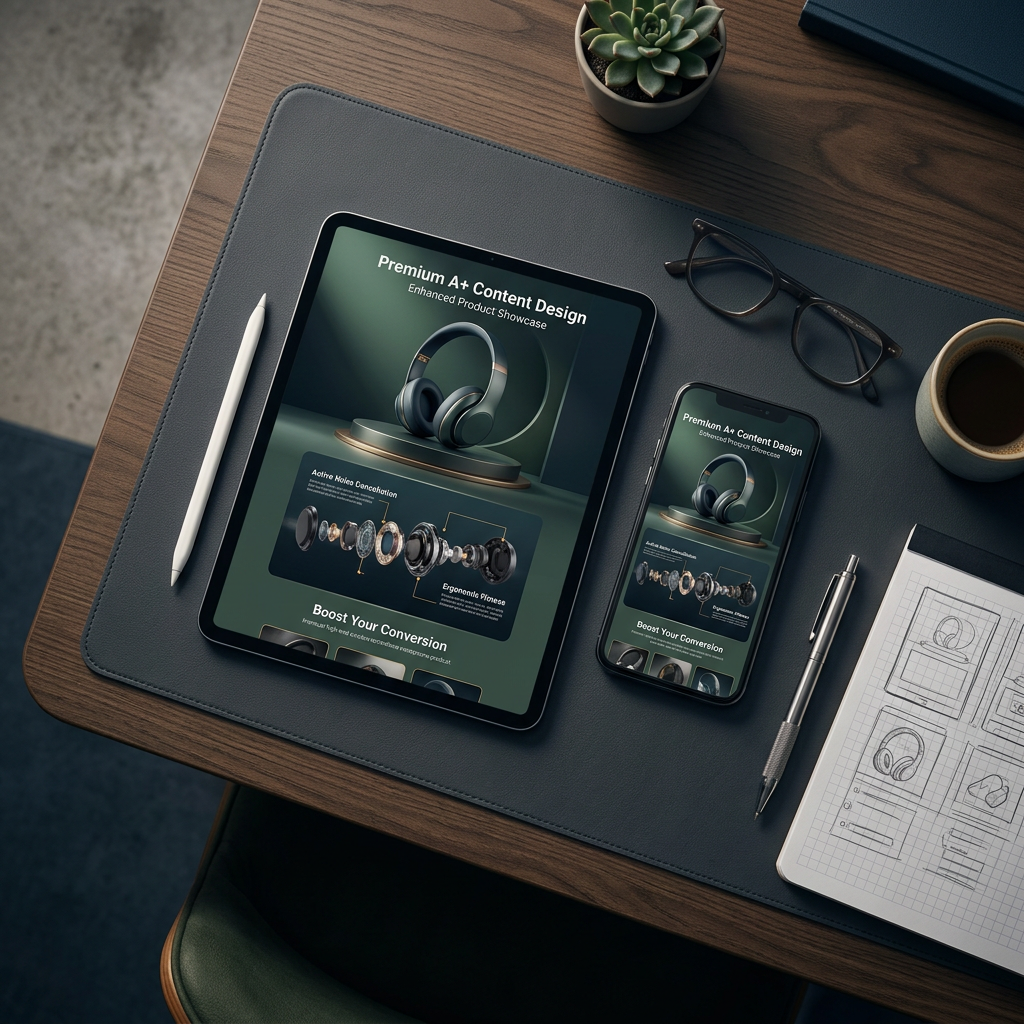
Amazon does not require separate mobile uploads for most A+ modules. Instead, the system dynamically crops and scales your 970px or 1464px images. This makes legibility critical. Text embedded within images should be at least 16pt font size to remain readable when scaled down to a 6.1-inch smartphone screen.
Optimization Checklist for 2026
- Safety Zones: Keep critical text and product features within the center 80% of the image to avoid edge cropping on mobile.
- File Size: Keep individual image files under 2MB. Even with 5G dominance in 2026, Amazon's server-side compression can react poorly to massive files.
- DPI Settings: Export at 72 DPI (Standard) or 144 DPI (Retina). Setting a higher DPI like 300 will not improve screen clarity and only increases file size.
If you are worried that your visuals aren't enough to carry the sale, use the free Amazon listing analyzer to check if your mobile titles and bullet points are carrying their weight in tandem with your images.
Strategic Layouts and Conversion Lift
Simply filling every module slot is a mistake. In 2026, the highest-converting listings use a "F-pattern" layout. Start with a brand story, follow with a high-impact horizontal banner, and then use a comparison chart to upsell your own catalog. This prevents "choice paralysis" and keeps shoppers within your brand ecosystem.
When cross-linking products in your A+ comparison table, monitor your internal data closely. If a specific product is drawing too many returns, it could be due to misleading visuals or size perceptions. Be sure to factor in hidden Amazon FBA return processing fees when deciding which products to promote heavily in your A+ modules.
Comparison Table Best Practices
Comparison charts are the most used module in 2026 because they provide an easy path for customers to upgrade to a more expensive version of your product.
- Consistency: Every image in the chart must have the same background color (preferably pure white, Hex #FFFFFF).
- Alignment: Ensure the products are shot from the same angle to allow for an "apples-to-apples" visual comparison.
- Metrics: Focus on 3-5 key attributes like battery life, weight, or material grade.
For sellers debating between fulfillment methods to save on margin for high-end photography, our Amazon FBA vs FBM 2026 cost comparison can help determine where to allocate your creative budget.
Conclusion
Adhering to the amazon a plus content image size 2026 guidelines ensures your listings remain professional, sharp, and high-converting. Prioritize the 970px width for standard modules and the 1464px width for premium or brand story sections. By combining precise technical specifications with strategic module placement, you create a frictionless shopping experience that justifies your price point and builds long-term brand equity.
To ensure your written keywords are as sharp as your images, use the free Amazon bullet point generator to craft high-impact copy for your new A+ layout.
Frequently Asked Questions
What is the best file format for Amazon A+ images in 2026?
The best file format remains .jpg (JPEG) for photographic content and .png for graphics with flat colors or text. Always use sRGB color space to ensure color accuracy across different mobile and desktop screens.
Can I use text inside my A+ Content images?
Yes, but Amazon guidelines in 2026 suggest keeping text minimal. Overlaid text must be large enough to be legible on mobile devices. Never include promotional language like 'best seller' or 'free shipping' inside the image, as this will trigger a manual rejection by the Amazon moderation team.
What is the minimum DPI for A+ Content?
The minimum is 72 DPI, but for 2026 standards, exporting at 144 DPI is recommended to accommodate high-resolution Retina displays without significantly increasing the file size beyond the 2MB limit.
Does Amazon A+ Content help with SEO?
While the text within A+ images is not indexed by Amazon's A9 search engine directly, the 'Image Keywords' (Alt-text) you provide during upload are indexed and contribute to your visibility in search results.